Here's the honest version of how this app got built: I kept missing things.
I'd be walking back from the coffee shop, glance at my phone, and there'd be nothing — because I hadn't thought to open the website while standing on a sidewalk. Then I'd get home, check the map on my laptop, and realize a perfectly good bookshelf had been sitting three blocks away the whole time. Gone by the time I looked.
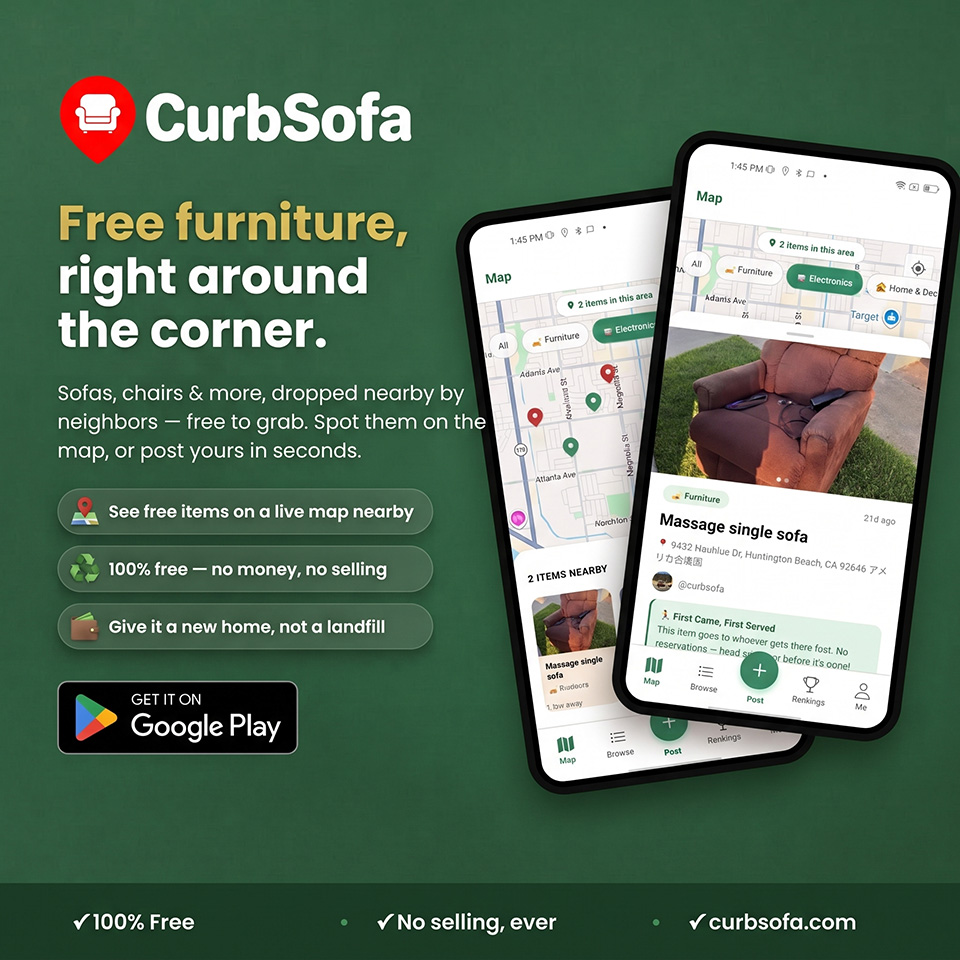
Curb finds happen when you're out. On foot, in the car, walking the dog. That's exactly when a laptop is useless and a phone in your pocket is everything. So we spent the last few months building the CurbSofa Android app — the map, the posting flow, directions, the whole thing — designed for the moment you're actually standing near a free sofa.
It's built. It works. And now comes the part I can't do alone: I need people to use it on real phones, in real neighborhoods, and tell me everything that's broken or confusing.
Why we're doing a "closed test" first
Before an app can go live on the Play Store, Google asks new developers to run a closed test — a small group of real testers using it for a stretch of time. Specifically, they want at least a dozen people to keep it installed for two weeks before the app is allowed to launch to everyone.
That's not just a bureaucratic hoop. It's genuinely useful. A dozen people with different phones, different Android versions, and different neighborhoods will surface things I'd never catch testing on my own device. Somebody's map won't center right. Somebody's photo upload will fail on a spotty connection. Somebody will tap a button I was sure was obvious and end up somewhere weird. That's the whole point.
What being a tester actually involves
Less than you'd think. There are two quick steps to get in, and then you mostly just… leave it on your phone.
Step one: join our tester group with the Google account you use on your Android phone. That's what tells Google you're allowed to download the test build.
Step two: open the tester link, tap "Become a tester," and install CurbSofa from the Play Store like any normal app.
After that, the biggest favor you can do is simply keep it installed for about two weeks. You don't have to open it every day. Poke around when you're bored, post that lamp you've been meaning to get rid of, see if anything free pops up near you. Having it on your phone at all is what helps us clear the requirement.
We've put both steps, with the exact links, on one page: the CurbSofa tester page. If you've got an Android phone and five minutes, that's all it takes.
The feedback I'm actually hungry for
Anything, honestly. But if you want to know what helps most:
Bugs and crashes. If it freezes, force-closes, or does something clearly wrong, I want to hear about it — even if it feels too small to mention. Especially then.
Confusing moments. The times you weren't sure what to tap, where a label didn't make sense, or you expected something to happen and it didn't. Confusion is a bug too, it's just a quieter one.
Posting and finding. The two things that matter most are putting an item on the map and finding one near you. If either of those feels clunky, that's the feedback that changes the app the most.
A one-line email is perfect. You don't need to write a report. "The map didn't load on my Pixel" is worth more to me than a paragraph of praise.
Why this matters more than it looks
CurbSofa only works if there's stuff on the map. A giver posts a chair, a neighbor grabs it, one less thing goes to the landfill — but none of that happens if the app is a pain to use. Every tester who catches a rough edge now is making the launch version smoother for the thousands of people who'll never know they were spared the annoyance.
So this is a genuine ask, not a marketing beat. If you've read this far and you own an Android phone, you're exactly the person I'm hoping will jump in. Break it, tell me how, and help me get this thing ready for everyone else.
Thank you — really. The table that started all this is still in my living room, and it's only there because someone left it out and I happened to see it. This app is just me trying to make that kind of luck a little less accidental.